Docker helps me package my applications, making my life as a developer much easier. One thing I love about Docker is the abstraction it provides: anyone can ship an app as an image.
That is where Compose comes in—it is essential whenever two or more Docker services need to communicate. While there are different ways to handle this, I prefer Docker Compose. I use it in both my daily development workflow and my professional projects.
The problem is that not everyone is familiar with it. However, once you get used to basic Docker commands and YAML, everything starts to run smoothly.
At my office, we use Docker as a daily development tool, managing our services with Docker Compose. Furthermore, we deploy our applications with Kubernetes. Although I don’t fully understand its inner workings, I can deploy an app as long as I understand the deployment context. I know enough to modify basic Kubernetes files (Nakhoda, charts, etc.).
That’s the beauty of it: we can ship an app using just a Docker image. It’s a simple deployment method that leverages the same knowledge we use during development.
Kamal Deploy
With those ideas in mind, I wondered if there was an easy way to deploy any publicly available image, rather than just an app I built myself.
I know how to do this on Kubernetes, but Kubernetes is overkill for my needs. It requires too much configuration and a complex mental model for a solo developer.
I am also familiar with Kamal, a deployment tool originally made for Rails (though it is actually app-agnostic). To deploy using Kamal, all you need is:
- A Dockerfile
- An image repository
- SSH access
I use it to deploy and update this blog. It is easy to use; I just run kamal deploy, and it works seamlessly. It manages SSL, the proxy, and zero-downtime deployments!
Deploying Any Image from the Internet
Officially, Kamal cannot deploy an arbitrary image from a public registry. Typically, you have to build and then deploy your own image.
"For example, I just need to deploy a PostgreSQL image and open access to the internet."
However, with a small trick, it can be done by using an accessory and a placeholder Dockerfile as a proxy.
Here is my use case: I need to deploy wg-easy to a VPS. I have SSH access and a public image. After running kamal init, here is my configuration:
.
├── config
│   └── deploy.yml
└── Dockerfile
Dockerfile
FROM nginx:alpine

COPY nginx.conf /etc/nginx/conf.d/default.conf
config/deploy.yml
# Name of your application. Used to uniquely configure containers.
service: wg-easy

# Name of the container image.
image: wg-easy-proxy

# Deploy to these servers.
servers:
  web:
    hosts:
      - 111.222.333.444 # your VPS IP address
# SSH configuration.
ssh:
  user: ubuntu
  keys:
    - "~/.ssh/id_ed25519" # your SSH keys

# Enable SSL auto-certification via Let's Encrypt.
proxy:
  ssl: true
  host: example.nadiar.id # your domain for the app
  app_port: 80
  healthcheck:
    path: /

# Credentials for your image host.
# I am using AWS ECR, but it works with any registry.
# Default is Docker Hub.
registry:
  server: xxxx.dkr.ecr.us-west-1.amazonaws.com
  username: AWS
  password:
    - AWS_ECR_CREDENTIALS

# Configure builder setup.
builder:
  arch: amd64
  dockerfile: Dockerfile

# wg-easy runs as an accessory with full WireGuard privileges.
accessories:
  wg-easy:
    image: ghcr.io/wg-easy/wg-easy:15
    host: 111.222.333.444 # your VPS IP address
    env:
      clear:
        DEBUG: "Server,WireGuard,Database,CMD"
        PORT: "51821"
        HOST: "0.0.0.0"
        INSECURE: "false"
        INIT_ENABLED: "false"
        DISABLE_IPV6: "false"
    options:
      "cap-add":
        - NET_ADMIN
        - SYS_MODULE
      "publish":
        - "51820:51820/udp"
      "sysctl":
        - "net.ipv4.ip_forward=1"
        - "net.ipv4.conf.all.src_valid_mark=1"
        - "net.ipv6.conf.all.disable_ipv6=0"
        - "net.ipv6.conf.all.forwarding=1"
        - "net.ipv6.conf.default.forwarding=1"
    volumes:
      - "wg_data:/etc/wireguard"
      - "/lib/modules:/lib/modules:ro"
After that, just run kamal deploy and the application will be deployed. That’s it.
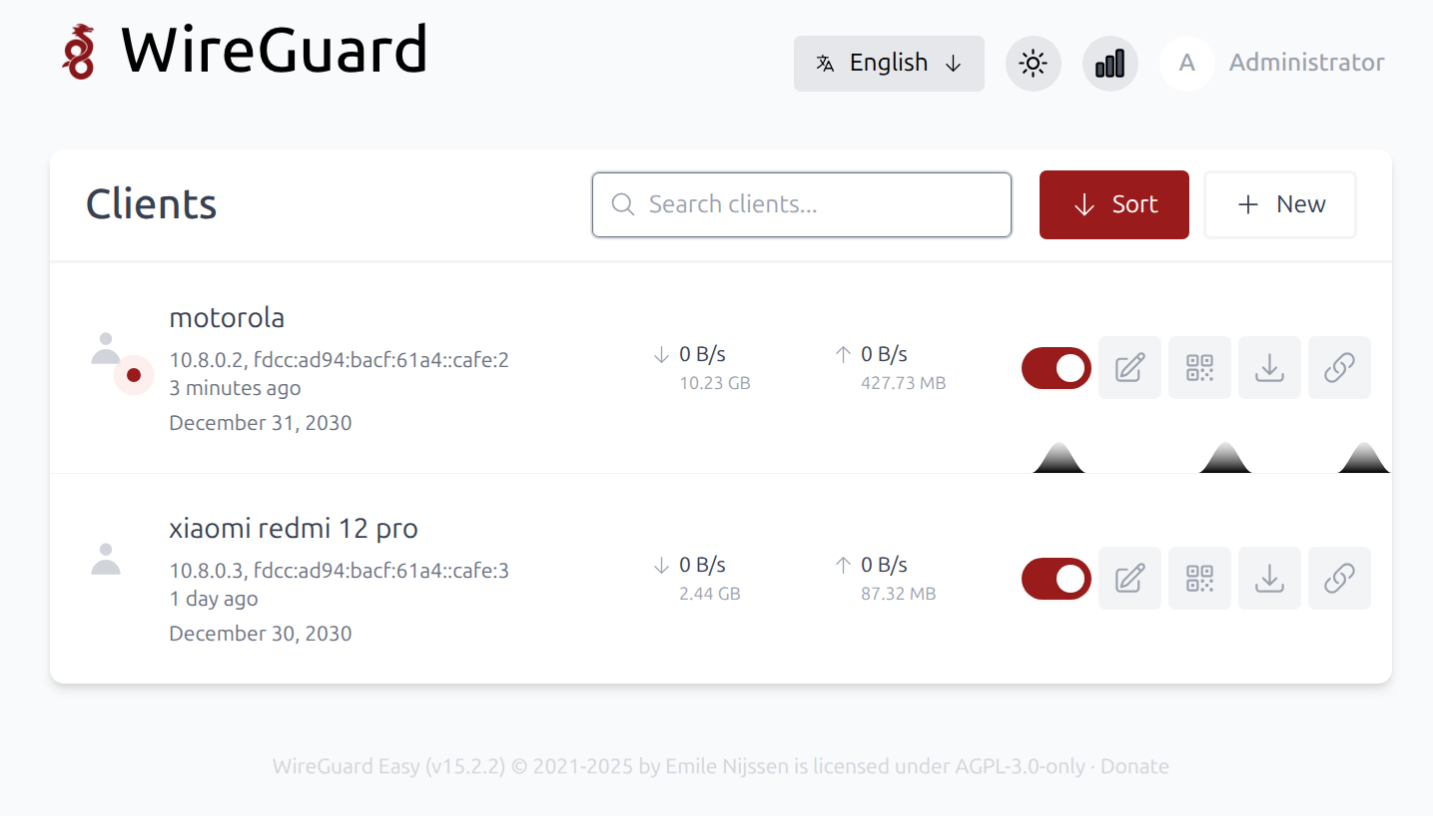
If you need additional configuration, visit the official Kamal website. In my case, I fed the documentation into an LLM and asked it for whatever I needed.